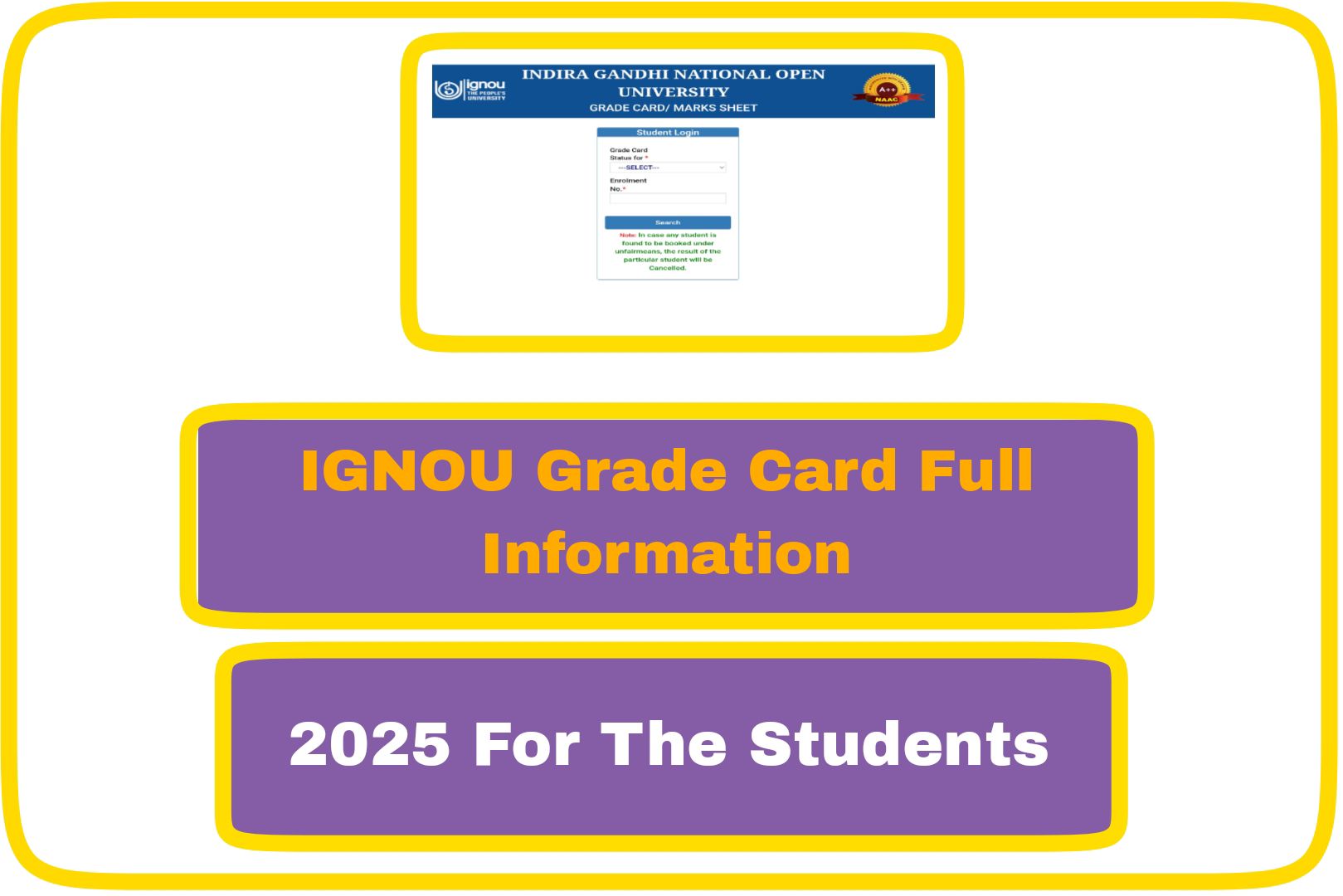
Indira Gandhi National Open University we called as the (IGNOU) gives a marks report to every student who is studying with them. This report is called as the Grade Card. The Grade Card shows all the marks a student has got in different parts of the course, like assignments marks, final exams marks (which are called Term End Examinations or the TEE), and practicals or project work if those are part of the course. All students can easily see and download their Grade Card by going to the official IGNOU website. In this explanation, we will talk about what the IGNOU Grade Card is, how students can check it online, and what details are written inside it.

Over View Process
It is helpful for every student because it clearly shows whether the student is passing their subjects or if they need to work harder. The Grade Card has three types of marks. The first type is the assignment marks. Students need to submit written work or assignments for each subject. These assignments carry marks, and they are a must to complete. The third type is practical marks, which are only included if the student’s course has any practical or project work. This could include tasks like lab work, projects, or fieldwork.Students find the Grade Card very useful because it gives a full picture of their progress in the course.When all the required marks assignments, exams, and practicals are shown on the card and the student has passed all the subjects, it means they are ready to receive their certificate, diploma, or degree from the university.
Ignou Grade Card Steps
If you are a student of IGNOU and you want to see your Grade Card online, the steps are very simple and quick. Once the homepage opens, look at the top section of the website and find the tab called ‘Student Support’. Click on it, and from the menu that appears, choose ‘Results’. After clicking on ‘Results’, you will see an option named ‘Grade Card’. Click on that. Now, you will see a list of all the programs that IGNOU offers, like Bachelor of Arts (BA), Bachelor of Commerce (BCom), Master of Arts (MA), and more. Pick the program you are enrolled in. After that, you need to type your nine-digit enrollment number in the space provided. Then click the ‘Submit’ button. It will show your marks for each subject, including assignments, exams, and practicals.